

Trademoar · included in Max
Your TradingView alerts, placed as orders.
A desktop app for Mac and Windows. When your alert fires, Trademoar places the order on your prop firm account, with the stop and target at the broker.
Sign in with a Max membership. Works with TopstepX and Tradovate-based firms.
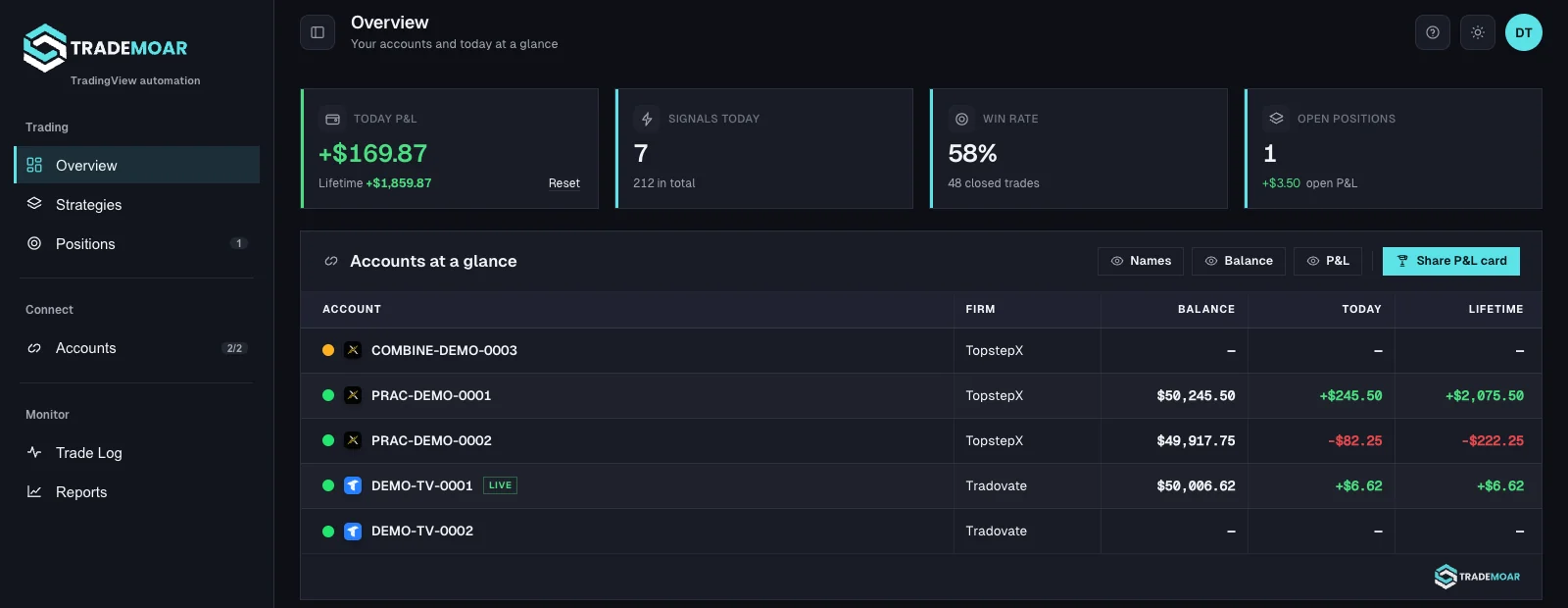
Real app screens, shown with demo accounts.
What it does
From alert to order. From your own computer.
How it works
Three steps. Once per strategy.
- 1
Add a strategy
Pick the account and the contract. Use your own TradingView script or the Enigma IFVG alerts.
- 2
Paste it into TradingView
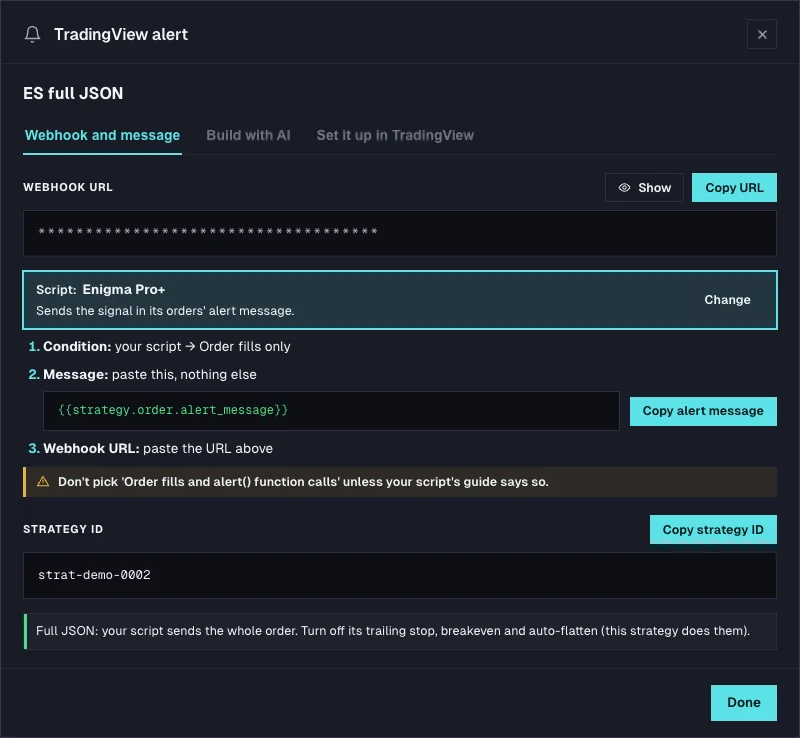
Trademoar shows the webhook URL and the alert message. Copy both into your alert.
- 3
The alert fires
Trademoar places the order on your account, with your stop and target at the broker.
Trade settings
Your rules, per strategy.
Each strategy keeps its own settings.
- Stop, target and partial targets
- Trailing stop and breakeven
- Flatten before the close
- Trading window
Positions
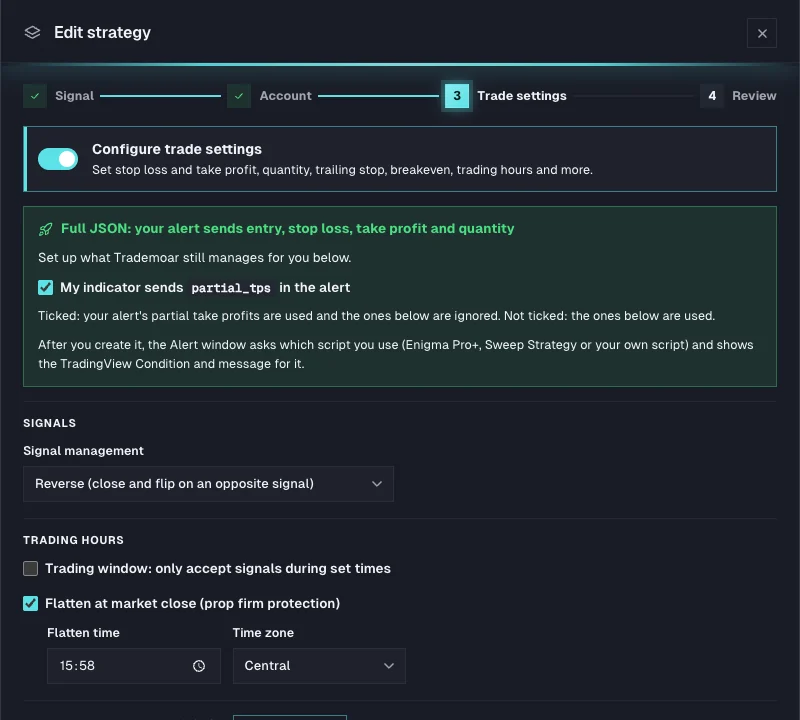
Every open position, one screen.
See what is open on each account. Close one position, or flatten all of them with one button.
Reports
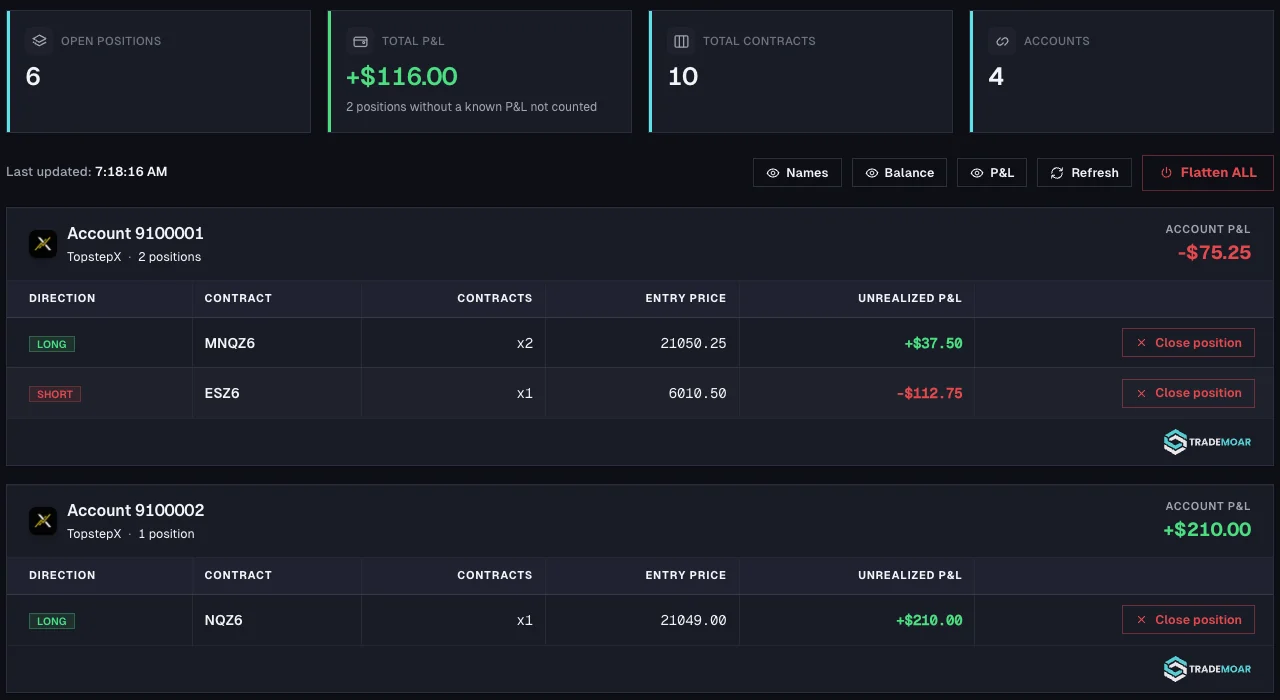
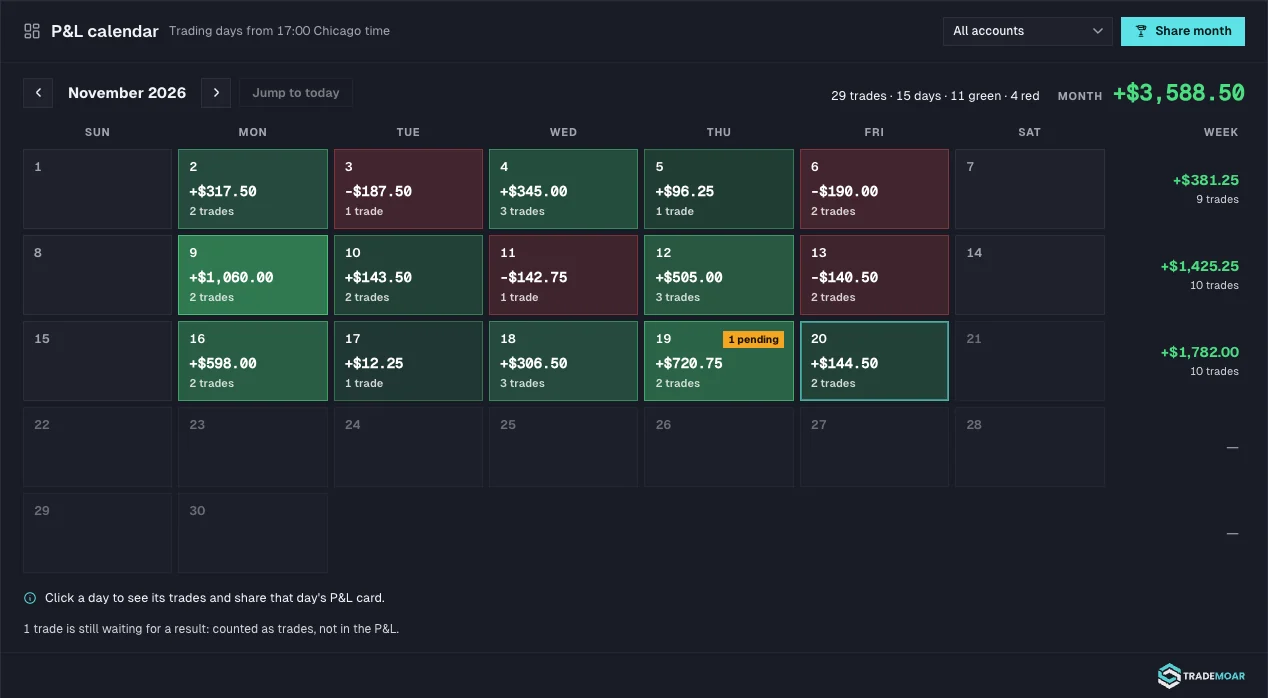
A P&L calendar per day.
Your closed trades by day and by week, and a card to share the month or a single day.
Build with AI
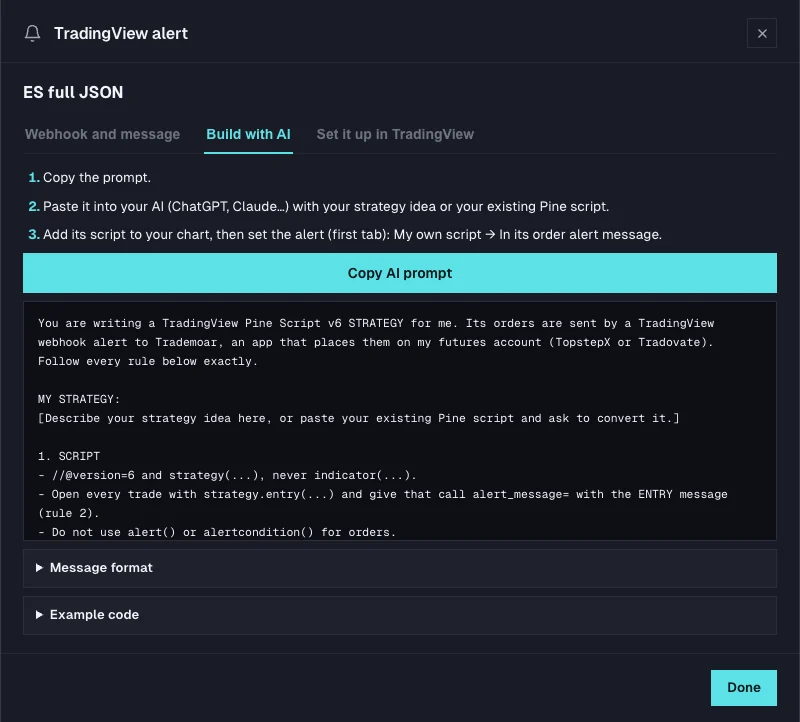
Bring your own script.
Copy the prompt into your AI with your strategy idea or Pine script. It writes a script whose alerts Trademoar can read.
And the rest.
Account rotator
Line up several accounts on one strategy. It trades the first and moves to the next.
Up to 3 Tradovate logins
Run accounts from three Tradovate logins in one app.
Trade cards in Discord
Your trades posted to a private Discord channel.
Test order button
Send one test order to check the setup before a real alert.
FAQ
Trademoar, answered
Which firms does it work with?
TopstepX, and firms that run on Tradovate. Check your own firm’s rules on automated trading before you turn a strategy on.
Do I need the Enigma IFVG indicator?
No. Any TradingView script that sends alerts works. The Enigma IFVG alerts are ready to use, and the “Build with AI” prompt helps you make your own script fit.
Where do the orders come from?
From your own computer. Trademoar runs on your Mac or Windows PC and places the order with your stop and target at the broker, so the app must be open and signed in on your computer when the alert fires.
How do I get it?
Download it for Mac or Windows. You sign in with a Max membership: Trademoar is the automation engine inside Max, next to the Enigma IFVG indicator.
Is it financial advice?
No. Trademoar places the orders your own alerts and settings ask for. Futures trading carries substantial risk of loss.
Your alerts, on your account.
Trademoar comes with Max, together with the Enigma IFVG indicator.
7 days free, then $100/month, cancel anytime. Code SHISHA = 35% off.
Futures trading carries substantial risk of loss and is not suitable for everyone. Trademoar places the orders your alerts and settings ask for; it does not decide trades for you. Trademoar is not affiliated with TradingView, Tradovate, TopstepX or any prop firm. Check your firm's rules on automation before you use it. Terms · Privacy